

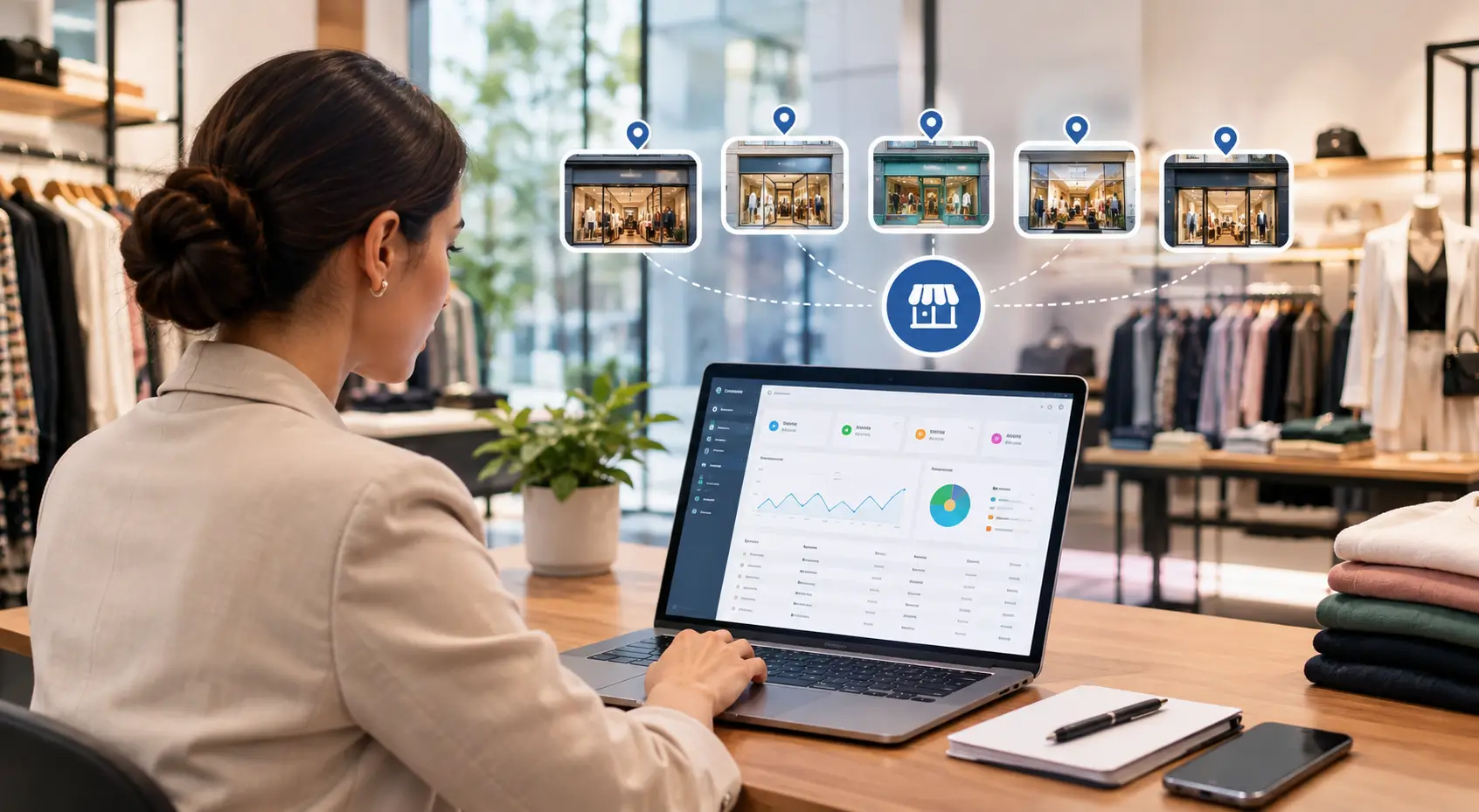
Managing five apparel stores can become difficult when inventory, sales, billing, purchasing, and stock transfers are handled separately.
A Multi-Branch Apparel ERP brings these operations together in one centralized system. Business owners can manage multiple stores, monitor inventory, track sales, and view reports from a single dashboard.
For growing apparel businesses, this means less manual work and better control over day-to-day operations.
What Is a Multi-Branch Apparel ERP?
A Multi-Branch Apparel ERP is an ERP system designed to manage multiple apparel stores from one central platform.
It connects different branches with the head office and provides centralized visibility into:
- Store-wise inventory
- Sales and billing
- Purchases
- Stock transfers
- Customers
- Suppliers
- Product and SKU management
- Accounting
- Employee activities
- Business reports
An apparel-focused ERP should also manage styles, colors, sizes, seasons, collections, barcodes, and SKUs across multiple stores.
Why Do Apparel Businesses Need a Multi-Store ERP?
Managing one apparel store is relatively simple. Managing five stores requires much more coordination.
Each store may have different sales, stock levels, customers, and product requirements. Without a centralized system, businesses may depend on spreadsheets, calls, messages, and manual reports.
This can lead to:
- No real-time store-wise stock visibility
- Manual stock transfer processes
- Duplicate data entry
- Overstocking at one store
- Stock shortages at another store
- Delayed sales reports
- Difficulty tracking branch performance
- Inconsistent product or pricing information
A Multi-Store ERP connects all five locations with the head office. This gives management a centralized view of the entire business.
How to Manage 5 Apparel Stores from One Dashboard
1. Manage All Stores from One System
A multi-branch ERP allows businesses to add all five stores to one system.
The head office can view important information for every branch, including:
- Sales
- Inventory
- Purchases
- Stock transfers
- Returns
- Customer transactions
- Store performance
Instead of checking each store separately, management can access the information from one dashboard.
2. Get Real-Time Inventory Visibility
Inventory management is one of the biggest challenges for multi-store apparel businesses.
A product may be available across the business but unavailable at the store where a customer wants it.
For example, a particular shirt may have:
- Store 1: 8 pieces
- Store 2: 2 pieces
- Store 3: 0 pieces
- Store 4: 6 pieces
- Store 5: 1 piece
With centralized inventory management, the business can quickly identify where the product is available.
The team can then decide whether to transfer stock or fulfil the requirement from another location.
3. Track Size and Color-Wise Inventory
Apparel inventory is more complex than simply tracking product quantities.
A single style can have several sizes and colors.
For example, one shirt style may include:
- Small
- Medium
- Large
- XL
across several colors.
An apparel ERP should therefore provide size-color-wise inventory for every store.
This helps businesses know exactly which size and color combinations are available at each location.
4. Manage Store-to-Store Stock Transfers
Stock requirements can vary from one store to another.
One branch may sell a particular style quickly. Another branch may have excess stock of the same style.
A multi-store ERP can help businesses manage these stock transfers through a structured process.
The transfer can be tracked from:
- Transfer request
- Stock issue
- In-transit stock
- Store receipt
- Updated inventory
This gives businesses better control over stock movement between stores.
5. Centralize Sales and Billing
Each store can continue handling its own billing while the head office receives consolidated sales data.
Management can monitor:
- Daily sales
- Monthly sales
- Product-wise sales
- Category-wise sales
- Store-wise sales
- Discounts
- Returns
- Payment modes
This reduces the need to collect separate sales reports from every branch.
6. Control Products and Pricing Centrally
Managing product information separately at five stores can create inconsistencies.
A centralized ERP can maintain common product information such as:
- Product name
- Style
- Size
- Color
- Barcode
- MRP
- Selling price
- Category
- Brand
- Season
This helps reduce duplicate product entries and pricing differences between branches.
7. Monitor Store Performance
A Multi-Branch Apparel ERP can provide store-wise reports from one dashboard.
Management can monitor:
- Store-wise revenue
- Number of bills
- Average bill value
- Fast-moving products
- Slow-moving products
- Returns
- Discounts
- Stock availability
This makes it easier to understand store performance and identify areas that need attention.
Common Challenges When Managing 5 Apparel Stores
1. Different Stock Levels at Each Store
Customer demand can vary between locations.
A product may sell quickly at one store but remain unsold at another.
Without centralized inventory visibility, businesses may purchase new stock even when the same product is available at another branch.
2. Manual Stock Transfers
When stock transfers are managed through calls, WhatsApp messages, spreadsheets, or handwritten records, maintaining accurate inventory becomes difficult.
A centralized ERP creates a proper record for every stock movement.
3. Duplicate Data Entry
Entering the same product, customer, or transaction information into different systems increases manual work.
It can also increase the risk of errors.
A centralized ERP reduces repetitive data entry and keeps information in one system.
4. Delayed Reporting
If every store prepares its own reports, management may have to wait before getting a complete picture of the business.
A multi-store ERP provides consolidated reports across all branches.
5. Complex Apparel SKUs
Apparel businesses can have thousands of SKUs because of different styles, sizes, colors, seasons, and collections.
Managing these combinations across five stores can become difficult without a structured inventory system.
What Should a Multi-Branch Apparel ERP Include?
Before choosing an ERP, apparel businesses should look for features such as:
- Multi-store management
- Centralized inventory
- Size-color matrix
- Barcode management
- Store-to-store stock transfers
- POS billing
- Sales returns
- Purchase management
- Customer management
- Supplier management
- Accounting
- Store-wise reports
- Consolidated business reports
- Role-based access
- Real-time inventory visibility
The ERP should also be scalable. As the business opens more stores, new branches should be easy to add to the existing system.
How a Centralized Dashboard Simplifies Store Management
A centralized dashboard gives management one view of the entire business.
Instead of opening different systems or collecting spreadsheets from five stores, management can check important information from one place.
For example, the dashboard can show:
Store 1: Sales, inventory, returns, and performance
Store 2: Sales, inventory, returns, and performance
Store 3: Sales, inventory, returns, and performance
Store 4: Sales, inventory, returns, and performance
Store 5: Sales, inventory, returns, and performance
Management can then open individual store reports when more detailed information is required.
Benefits of Using a Multi-Branch Apparel ERP
A centralized ERP can help apparel businesses achieve:
- Better inventory control
- Faster stock transfers
- Reduced manual work
- Centralized product management
- Improved sales visibility
- Better store monitoring
- Faster reporting
- Reduced duplicate data
- Better customer service
- Easier business expansion
The biggest benefit is centralized visibility.
Business owners do not need to be physically present at every store to understand what is happening across the business.
Common Mistakes to Avoid When Managing Multiple Apparel Stores
- Managing every store with separate spreadsheets
- Not maintaining centralized inventory
- Ignoring size-color-wise stock
- Tracking stock transfers manually
- Using different product codes for different stores
- Delaying sales and inventory reports
- Giving employees unnecessary system access
- Not monitoring slow-moving inventory
- Ignoring store-wise performance
- Choosing an ERP that cannot scale with the business
Final Thoughts
- Managing five apparel stores requires more than separate billing software at each location.
- As the number of branches increases, businesses need centralized control over inventory, sales, purchasing, stock transfers, products, customers, and reporting.
- A Multi-Branch Apparel ERP connects all stores with the head office and provides a centralized view of business operations.
- For apparel businesses, the ERP should also handle the complexity of sizes, colors, styles, SKUs, barcodes, seasonal collections, and store-wise inventory.
- With centralized inventory management, store-to-store transfers, POS billing, product management, and consolidated reporting, businesses can manage multiple stores more efficiently.
- Most importantly, a centralized ERP creates one reliable source of business data.
- Whether management wants to check today’s sales, find a particular size at another store, review stock availability, or monitor store performance, the information is available from one system.
- As the business grows beyond five stores, a scalable ERP can also make it easier to add new locations without creating separate systems and processes for every branch.
Frequently Asked Questions
1. What is a multi-branch apparel ERP?
A multi-branch apparel ERP is a centralized ERP system that helps apparel businesses manage multiple stores, inventory, sales, purchasing, stock transfers, customers, and reports from one platform.
2. Can an ERP manage inventory across 5 apparel stores?
Yes. A multi-store ERP can maintain separate inventory for each store while providing a consolidated view of stock across all locations.
3. Can I check stock available at another store?
Yes. With centralized inventory visibility, users can check stock at different branches and identify where a particular size, colour, or style is available.
4. How does ERP help with store-to-store stock transfers?
An ERP can record the complete stock transfer process, including transfer requests, stock issues, goods in transit, store receipts, and updated branch inventory.
5. Can one ERP manage billing for all 5 stores?
Yes. Each store can use the ERP for its own billing while management can view consolidated sales and store-wise reports from the central system.
6. Can an apparel ERP manage size and color combinations?
Yes. An apparel-focused ERP should support size-color-style combinations and SKU-level inventory. This helps businesses track specific product variants at each store.
7. Can a multi-branch ERP support more than 5 stores?
Yes. A scalable ERP can support additional branches as the business expands. New stores can be added without creating completely separate systems.
Looking for an ERP that can manage your apparel stores from one centralized system? Get Demo →
Explore an industry-focused ERP designed for Apparel, Lifestyle, Footwear, and Jewellery Businesses, and see how centralized inventory, multi-store management, POS billing, reporting, and automation can simplify growing retail operations.